




 Instagram downloader
Download Instagram Reels, Videos, Photos and Carousels
Preview public Instagram media before downloading individual files or the entire post as a ZIP.
Paste a public Instagram link to find available Reels, video posts, photo posts, mixed carousels, Stories, Highlights, and audio where supported.
Instagram downloaderPublic links onlyWe support public Reels, videos, photos, carousels, and audio.
Public links only · No Instagram login required · Temporary processing
What Instagram content can you download?
Saveo supports several public Instagram content types. Paste the original link and the tool will show every downloadable media item it can find.
Reels
Download supported public Instagram Reels in their available video quality.
AvailableVideo posts
Preview and download public Instagram video posts directly from the browser.
AvailablePhoto posts
Save public Instagram images in their available source resolution.
AvailableMixed carousels
Select individual photos and videos, or download the complete carousel as a ZIP.
AvailableStories
Download supported public Instagram Stories.
AvailableHighlights
Instagram Highlight albums are not supported.
UnsupportedAudio
Extract audio from supported Instagram video content where available.
AvailableHow to copy an Instagram link
Open the public Instagram content you want to save, copy its link, and paste it into Saveo.
Open the Instagram post
Open the public Reel, video, photo, carousel, Story, or Highlight you want to save.
Open the share menu
Tap Share or open the three-dot menu on the post.
Copy the link
Choose Copy link from the available sharing options.
Paste it into Saveo
Return to this page, paste the URL, and select Find Instagram media.
How the Instagram downloader works
The tool checks the public link, displays the available media, and prepares the download options you can use.
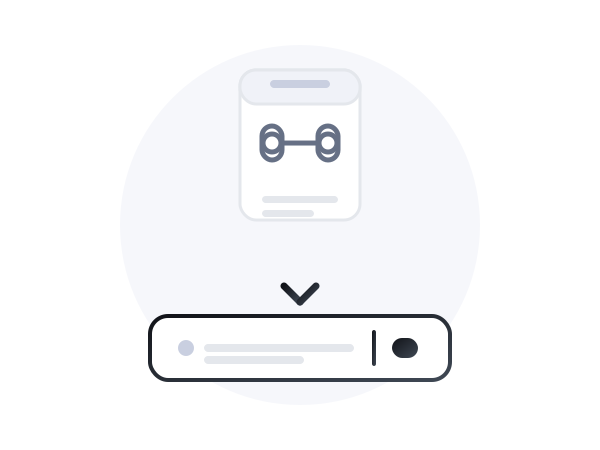
Paste a public link
Enter a supported Instagram URL into the downloader.
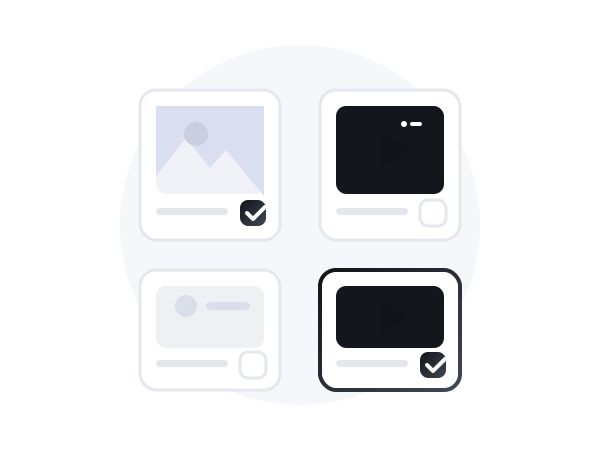
Preview the available media
Review the photos, videos, Reels, Story items, or carousel files detected from the link.
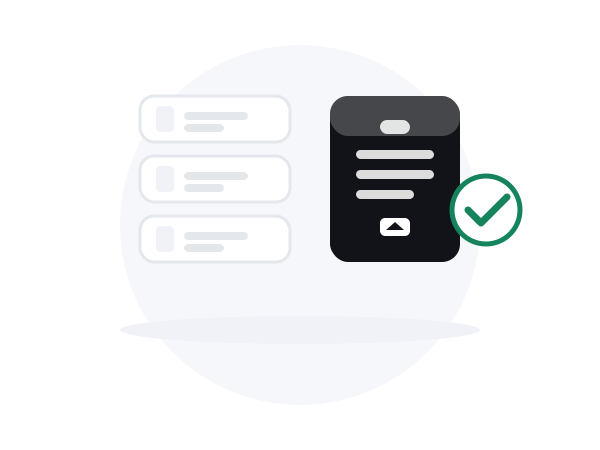
Choose what to download
Download one media item, select several files, or create a ZIP bundle when available.
Why use Saveo for Instagram?
The tool is designed around clear previews, real download actions, and transparent limitations.
Public content only
Private accounts and restricted posts are not accessed or bypassed.
No Instagram login required
Paste a supported public link without connecting your Instagram account.
Preview before downloading
See the available photos and videos before choosing what to save.
Real download actions
Every visible download button is connected to an actual media file.
Carousel ZIP downloads
Select several carousel items or download the complete supported post as a ZIP.
Clear error messages
Understand whether a link is private, deleted, unsupported, expired, or temporarily unavailable.
How to download Instagram media on your device
The download process is similar on desktop, iPhone, and Android, but saving the final file can vary by browser and device.
- 1.Copy the Instagram link.
- 2.Paste it into Saveo and select Find Instagram media.
- 3.Choose a file or ZIP bundle and save it to your downloads folder.
Frequently asked questions
Answers specific to the Instagram downloader.
Yes. Paste a supported public Instagram Reel URL to preview the available video and download it in the quality provided by the source.
Yes, when the post is supported. You can download individual carousel items, select several files, or create a ZIP containing the available photos and videos.
Stories from public accounts download directly. Highlight albums are not supported yet.
No. Saveo processes supported public links only and does not bypass account privacy or login restrictions.
The post may be private, deleted, expired, login-restricted, unsupported, or temporarily unavailable. Check that you copied the full public Instagram URL and try again.
No Instagram login is required for supported public content.
Media is processed temporarily to prepare the download and automatically removed after a short retention period (default 30 minutes).
Yes. For supported video content, open the result and press Extract MP3 to download the audio track.